

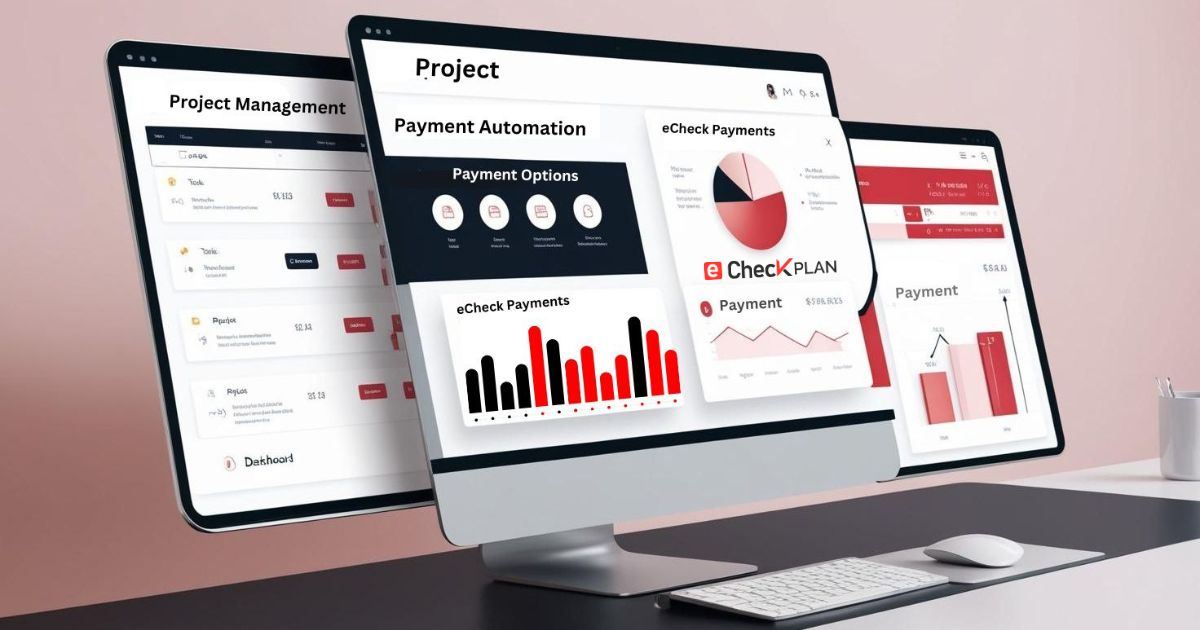
eCheck Payment Integration with Project Management Tools
Managing payments effectively is crucial for businesses of all sizes, especially when it comes to large projects involving multiple tasks, vendors, and stakeholders. In the modern business landscape, digital tools are a game-changer, and one of the most beneficial integrations for companies is the combination of eCheck payments with project management tools.
In this blog, we will explore the importance of integrating eCheck payment systems into project management tools, the benefits of such integrations, and how to successfully set them up. By the end, you’ll see how this integration can transform the way businesses handle payments, streamline their financial workflows, and ultimately save time and resources.
What Does electronic Check Payment Integration Mean for Project Management?
eCheck payment integration with project management tools essentially connects your digital payment system to the platform used to manage your tasks, projects, and workflows. This means when a task is completed or a milestone is achieved, payments can be automatically processed, tracked, and logged directly within your project management system.
For businesses managing multiple projects or clients, this integration simplifies the financial aspects of each project, eliminates the need for manual updates, and improves cash flow visibility—all from one central location.
The Benefits of eCheck Payment Integration with Project Management Tools: –
Integrating eChecks with project management platforms provides several advantages, which enhance not only payment tracking but also overall project efficiency.
1. Streamlined Payment and Task Management
Without integration, businesses often struggle to maintain a smooth connection between payments and projects. For example, payment reminders may not always align with project timelines, or payments may be missed altogether due to manual tracking errors.
By integrating eCheck payments with your project management tool, every payment is linked directly to its associated task or project phase. This ensures payments are processed on time and aligned with the completion of specific milestones.
For instance, if a project milestone is achieved, an automatic payment request can be triggered, saving time on both the client’s and the business’s side. This helps to reduce administrative overhead and ensures that payments are made promptly.
2. Improved Cash Flow Management
With eCheck payment integration, project managers can track payments in real-time. This visibility allows you to maintain better control over your cash flow. Instead of waiting for confirmation from a bank or chasing down payment statuses, everything is available within the project management tool.
For example, when payments are processed through the integrated system, project managers can easily track if payments are pending, completed, or overdue—all without leaving the platform. This helps businesses avoid bottlenecks that can arise from delayed payments and ensures smoother project delivery.
3. Increased Automation
One of the key benefits of integrating eChecks with project management tools is the high level of automation it brings. Manual tasks, such as updating payment statuses or sending reminders for overdue payments, can be time-consuming and prone to errors.
Through integration, automation handles the heavy lifting for you. For example, automatic payment reminders can be sent to clients or vendors when payments are due or overdue. Invoices can be generated based on completed tasks or project milestones, reducing manual effort and ensuring accuracy.
Additionally, businesses can automate recurring payments, such as monthly retainers or subscription-based payments, directly within the project management system. This saves time, minimizes human error, and enhances operational efficiency.
4. Improved Transparency and Collaboration
One of the challenges in project management is ensuring transparency across teams and stakeholders. With payment integration, everyone involved in the project can see exactly when payments are made or pending.
For example, clients can track their payment status along with project progress, which fosters trust and eliminates confusion about whether payments have been received or when the next payment is due. Similarly, project managers and team members can monitor the financial status of the project at any time, making it easier to stay aligned with overall budget goals and timelines.
5. Cost Savings
eChecks are generally more cost effective than traditional payment methods, especially credit cards, which can incur fees of 2.5%–3% per transaction. By integrating eChecks, businesses can cut down on transaction costs and save money in the long term.
Additionally, the integration of eChecks with project management tools eliminates many manual administrative costs. No longer will businesses need to manually reconcile payments, update records, or follow up on overdue payments. These tasks are automated and tracked in one unified system, leading to reduced operational expenses.
How to Integrate eCheck Payments with Project Management Tools: –
The process of integrating eCheck payments into your project management tools is more straightforward than you might think. Here’s a step-by-step guide on how to implement this integration successfully:
Step 1: Choose an eCheck Payment Processor
Start by selecting an eCheck payment processor that is compatible with your project management tool. There are several reliable eCheck processors available that can help facilitate the integration.
It’s important to choose a provider with secure encryption methods, compliance with PCI-DSS standards, and a well-established reputation in handling electronic payments.
Step 2: Select the Right Project Management Tool
The next step is ensuring that your project management tool has the necessary features to handle payment tracking and integrates easily with eCheck processors. Many project management platforms allow third-party app integrations, and some have built-in capabilities to connect with payment systems directly.
Look for tools that not only manage tasks but also have built-in capabilities for tracking financial aspects of your projects, such as invoicing and payment tracking.
Step 3: Set Up the Integration
Now, it’s time to set up the integration between the eCheck payment system and your project management tool. This may require a developer or some technical expertise, depending on the complexity of the integration and the tools being used.
Some project management tools and payment processors offer pre-built integrations, so this step may be as simple as connecting your accounts and setting preferences. If not, you might need to work with a developer to connect both systems through an API.
Step 4: Automate Payment Workflows
Once the integration is set up, configure the workflows for automating payment processes. For example, set triggers that automatically generate invoices and send payment reminders when certain project milestones are completed.
You can also automate recurring payments, such as for subscription services, ensuring that payments are processed without manual intervention.
Step 5: Test the Integration
Before going live, it’s important to test the entire payment system. This ensures everything works as expected—payments should process smoothly, payment statuses should update automatically in the project management tool, and notifications should be sent to the appropriate parties.
Testing also helps you iron out any bugs in the system and ensures that payments are being tracked and recorded correctly.
Step 6: Monitor and Adjust
Once the integration is live, continue to monitor its performance. Look for potential bottlenecks or glitches in the payment process. Collect feedback from your team and clients to ensure that the system is working efficiently and improving project workflows.
You can also tweak automation rules and reporting settings to better suit the needs of your business and clients.
Best Practices for electronic Check Payment Integration: –
To make the most of your eCheck payment integration, keep these best practices in mind:
- Maintain Security: Ensure that both your payment processor and project management tool follow the latest security standards. Use encryption, two-factor authentication, and comply with PCI-DSS regulations to safeguard sensitive financial data.
- Custom Reporting: Create custom financial reports to monitor payments, track overdue invoices, and assess the overall financial health of your projects. Tailoring reports to your needs can help you stay on top of cash flow and project budgets.
- Regular Updates: Keep both the project management tool and payment system updated to avoid any compatibility issues and maintain security.
- Provide Team Training: Ensure that everyone involved in the project understands how to use the integrated system. This includes how to track payments, generate invoices, and manage payment issues.
Conclusion
Integrating eCheck payments with project management tools is a powerful way to simplify your financial workflows, improve efficiency, and reduce costs. By automating payment processes, improving cash flow visibility, and fostering better collaboration, this integration provides businesses with the tools they need to stay organized and meet deadlines.

 ChatGPT
 Grok
Grok Claude
 Perplexity
 Google Search