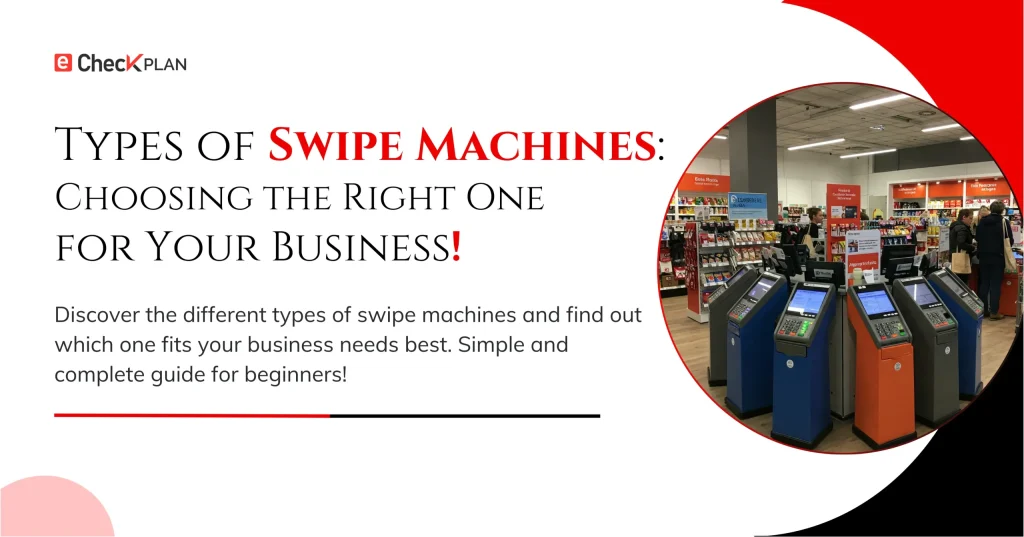
Not all swipe machines are built the same.
In fact, choosing the right type can make a huge difference in how quickly you get paid, how happy your customers are, and even how much you pay in fees.
In this blog, we’ll walk you through the different types of swipe machines, their features, pros and cons, and how to pick the perfect one for your business.
Let’s dive in!
Why Choosing the Right Swipe Machine Matters: –
Think about it:
- A small café owner might need a simple countertop terminal.
- A delivery service might need a mobile swipe machine.
- A trade show vendor might need a wireless, handheld device.
Choosing the wrong machine could lead to frustrated customers, higher costs, and even lost sales. A report by Statista shows that over 60% of customers prefer businesses that offer fast and flexible payment options.
The 4 Main Types of Swipe Machines: –
Here’s a breakdown of the four most common types:
1. Countertop Swipe Machines:
What it is: A stationary device usually placed at a cashier’s counter, connected via Ethernet or phone line.
Best for:
- Retail stores
- Restaurants
- Salons
Features:
- Fast, reliable connections (wired)
- Can accept credit, debit cards, and sometimes contactless payments
- PIN pad included for debit transactions
Pros:
- Very reliable
- Lower risk of dropped connections
- Long-lasting equipment
Cons:
- Fixed location — customers must come to the machine to pay
2. Wireless (Portable) Swipe Machines:
What it is: A battery-operated terminal that communicates via Wi-Fi, Bluetooth, or mobile network (GPRS/4G).
Best for:
- Restaurants with tableside payments
- Event vendors
- Home service businesses
Features:
- No wires needed
- Rechargeable batteries
- Small and lightweight
Pros:
- Mobility increases flexibility
- Great for on-the-go businesses
Cons:
- Needs a strong network signal
- Battery management required
3. Mobile Card Readers (Phone Attachments):
What it is: Small devices that plug into a smartphone or tablet’s audio jack or connect via Bluetooth.
Best for:
- Freelancers
- Food trucks
- Pop-up shops
Features:
- Super portable and affordable
- Accepts swipe, chip, and tap payments
- Usually paired with an app for easy management
Pros:
- Very low upfront cost
- Easy setup
- Great for businesses with low transaction volumes
Cons:
- Slightly higher transaction fees in some cases
- Depends on smartphone quality and battery
4. Smart POS Systems:
What it is:
Advanced systems that integrate swipe machines with full business management features like inventory tracking, employee management, and customer loyalty programs.
Best for:
- Medium to large businesses
- Busy retail locations
- Restaurants and cafes
Features:
- Touchscreen interfaces
- Accepts all payment types
- Built-in receipt printers and customer displays
Pros:
- Business management and payment processing in one device
- Increases operational efficiency
Cons:
- Higher upfront investment
- Requires more training
Comparison Table: Quick View
| Type | Best For | Pros | Cons |
| Countertop | Retail, fixed locations | Reliable, stable | Fixed in place |
| Wireless | On-the-go businesses | Mobile, flexible | Needs good signal |
| Mobile Reader | Freelancers, startups | Cheap, portable | Dependent on phones |
| Smart POS | Larger businesses | All-in-one system | Expensive, complex |
How to Choose the Best Swipe Machine for Your Business: –
Ask yourself these questions:
Do I need mobility?
If yes, go for wireless or mobile readers.
How many transactions per day?
High volume? A countertop or Smart POS may be better.
What’s my budget?
Mobile readers are cheapest; Smart POS systems cost more but offer extra value.
Do I want to manage inventory or loyalty programs too?
Then Smart POS might be a smart investment.
Do I work in areas with poor Wi-Fi?
If yes, consider wired countertop machines for maximum reliability.
Hidden Costs to Watch Out For: –
When choosing a swipe machine, don’t just look at the hardware price.
Pay attention to:
- Transaction fees: Some providers charge 1.5%–3.5% per swipe.
- Monthly service fees: Especially with Smart POS systems.
- Equipment rental fees: If you’re leasing rather than buying.
- Early termination fees: Some contracts are long-term!
Always read the fine print before signing a payment processor agreement.
Final Thoughts: –
Choosing the right swipe machine isn’t just a technical decision — it’s a business strategy. The best swipe machine will fit your workflow, match your customers’ expectations, and keep your payment process smooth and secure. Always think about your business size, your mobility needs, and your budget before making a decision.
In the next part, we’ll dive deeper into costs, fees, and what you should expect to pay when using a swipe machine!

 ChatGPT
 Grok
Grok
 Claude
 Perplexity
 Google Search